






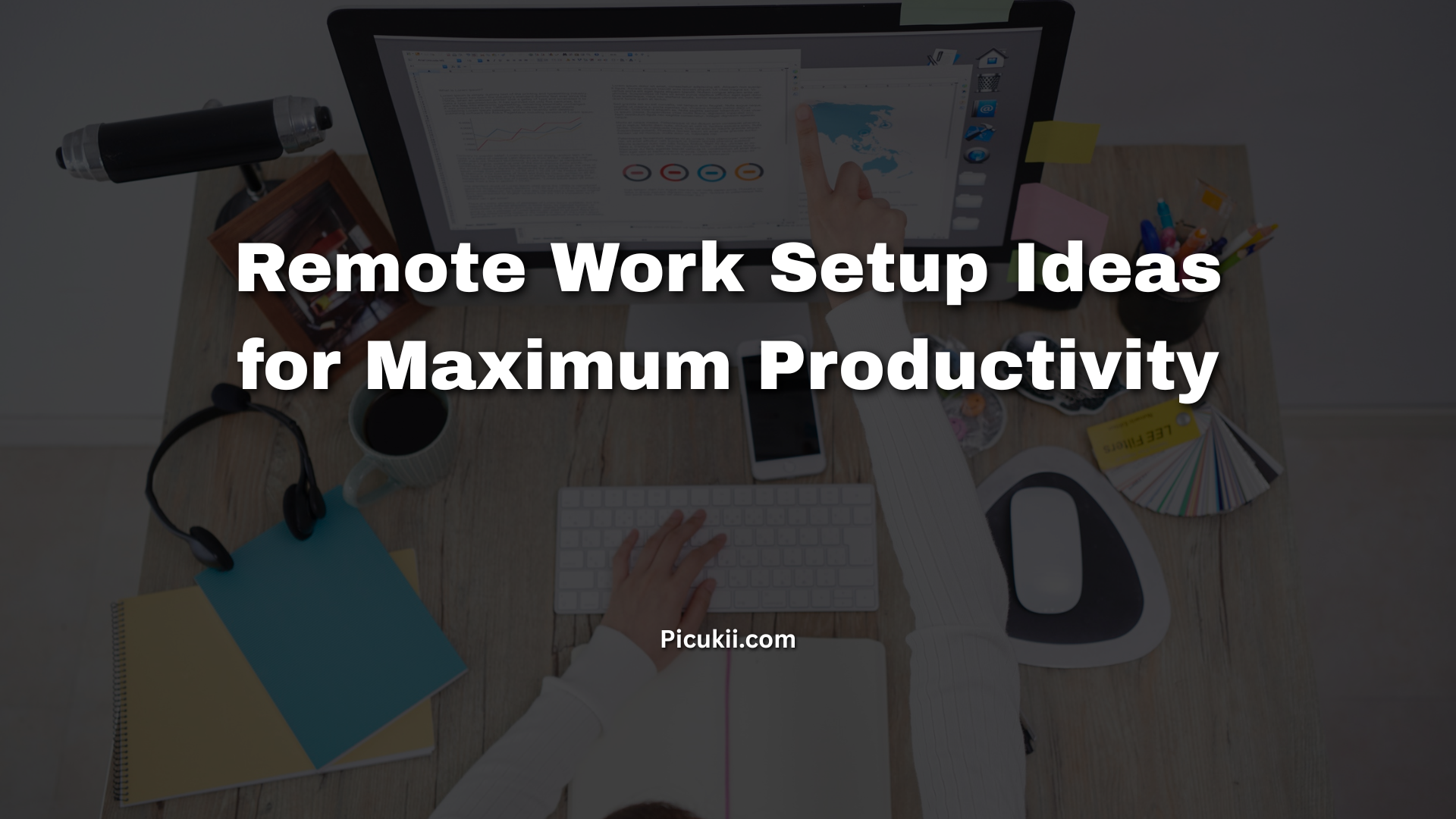
The shift to remote work is no longer a trend it’s the new normal. As of 2025, more than 36 million Americans work remotely at least part-time, and companies like Amazon, Spotify, and Shopify have made it permanent. But here’s the hard truth: your productivity doesn’t automatically follow you home. A poorly planned workspace can cost you hours of focus, wreck your posture, and turn your dream of “working from anywhere” into burnout central.
The good news? A smart remote work setup can dramatically boost output, reduce fatigue, and even improve your mood. This guide pulls together the latest research, real-world data from remote workers, and proven setups that top performers swear by in 2025 so you can stop wasting time and start crushing your workday.
Why Your Remote Work Setup Actually Matters
A 2024 Stanford study found that well-designed home offices increase productivity by 13–22% while cutting perceived stress by nearly 30%. Poor setups, on the other hand, lead to:
- 57% more neck and back pain (Owl Labs 2024)
- 40 minutes of lost focus per day from distractions (Microsoft Work Trend Index)
- Higher rates of Zoom fatigue and afternoon slumps
Investing in the right remote work setup ideas isn’t about luxury it’s about protecting your income, health, and sanity.
Core Principles of a High-Performance Remote Workstation
Before diving into specific setups, keep these non-negotiable rules in mind:
- Separate work from living space (even if it’s just a corner)
- Prioritize ergonomics over aesthetics
- Control light, sound, and temperature
- Design for deep work first, video calls second
- Make it sustainable for 8+ hour days
7 Proven Remote Work Setup Ideas (From Budget to Dream Office)
1. The Minimalist Standing Desk Corner ($300–$800)
Perfect for renters or small apartments.
- IKEA Karlby countertop + 2 Alex drawers + FlexiSpot E7 legs
- Monitor arm to free desk space
- Anti-fatigue mat (ComfiLife or CubeFit)
- Laptop stand + external keyboard if budget is tight
Real-world result: Users on r/StandingDesk report gaining 1–2 extra hours of deep focus by alternating sitting and standing.
2. The Ergonomic Command Center ($1,200–$2,500)
The sweet spot for most knowledge workers in 2025.
| Component | Top Recommendation (2025) | Why It Matters |
|---|---|---|
| Desk | Uplift V2 Commercial (height 22.6″–48.7″) | Rock-solid at standing height, 4-leg design |
| Chair | Herman Miller Aeron Remastered or Steelcase Gesture | Best lower-back support for 8+ hour days |
| Monitor | 32″ 4K (LG 32UN880 or Dell U3223QE) | Reduces eye strain, fits two full pages |
| Keyboard | Logitech MX Keys S or Keychron Q5 Pro | Quiet, great tactile feedback |
| Mouse | Logitech MX Master 3S | Reduces wrist strain by 18% vs trackpad |
| Lighting | BenQ ScreenBar Halo + Philips Hue strip | Eliminates glare and shadows on face |
This exact setup is used by thousands of senior engineers and writers who type 80–120 wpm all day.
3. The Dual-Monitor Productivity Beast ($2,000–$4,000)
For developers, analysts, traders, and video editors.
- 49″ ultrawide (Samsung Odyssey G9 or Dell U4924DW) OR dual 27–32″ 4K
- Ergohuman Elite or Haworth Fern chair
- Vertical mouse (Logitech Lift or Evoluent)
- Desk-mounted power strip + cable management tray
Data point: A 2024University of Utah study showed dual monitors increase productivity by 42% for complex tasks.
4. The Digital Nomad “Work From Anywhere” Kit (under $600)
Proven by location-independent workers in Bali, Lisbon, and Medellín.
- Roost laptop stand + portable Bluetooth keyboard (Keychron K3)
- 15–16″ portable monitor (ASUS ZenScreen or Arzopa)
- Noise-cancelling headphones (Sony WH-1000XM5 or AirPods Max)
- Collapsible laptop tray table (for bed/couch emergencies)
- Global eSIM + pocket Wi-Fi (GlocalMe)
This kit lets you hit 90% of home productivity from a café or Airbnb.
5. The Zero-Distraction Deep Work Cocoon
Used by top writers and researchers.
- Soundproof acoustic panels on walls (GIK Acoustics or generic 2″ foam)
- White/pink noise machine (LectroFan EVO) or brown noise on HomePod
- Smart bulbs set to 4000K–5000K daylight temperature
- Foot hammock + wrist rests
- “Do Not Disturb” smart light sign (Luxafor or Embrava)
Cal Newport (author of Deep Work) and many novelists credit similar setups for 4–6 hour unbroken writing sessions.
6. The Executive Home Office ($5,000+)
When you’re on video calls half the day and want to look (and feel) like a CEO.
- Solid wood executive desk (Fully Jarvis Bamboo or custom)
- Fully Remi)
- Herman Miller Embody or Humanscale Freedom with headrest
- 4K webcam (Opal C1 or Insta360 Link)
- Professional key light (Elgato Key Light Air ×2)
- Large plant wall or bookshelf backdrop
- Walking pad under desk (WalkingPad A1 Pro)
7. The Budget Under-$500 Setup That Still Works
You don’t need to spend thousands.
- L-shaped IKEA desk hack
- Second-hand office chair (look for Steelcase Leap V2)
- Laptop riser + $30 wireless keyboard/mouse combo
- $80 daylight LED lamp
- Noise-cancelling headphones (Anker Soundcore Life Q30)
This setup still beats 90% of kitchen-table warriors.
Must-Have Accessories That Make a Bigger Difference Than You Think
| Accessory | Cost | Productivity Impact |
|---|---|---|
| Monitor arm (Ergotron LX) | $130 | Frees 30% desk space, perfect eye height |
| Anti-fatigue mat | $40–$90 | Reduces leg fatigue by 60% after 4 hours |
| Cable management tray | $25 | Mental clarity from zero visible wires |
| Smart plug for monitor | $15 One-tap shutdown ritual saves mental energy | |
| Blue-light blocking glasses | $30 Cuts eye strain by 40% after 6pm (2024 study) |
Lighting, Sound & Air: The Hidden Productivity Multipliers
- Light: North-facing window + 5000K daylight bulbs. Avoid overhead fluorescents.
- Sound: 40–60 dB background noise is ideal. Use myNoise.net or brown noise playlists.
- Air: CO₂ levels above 1000 ppm tank cognitive performance by 15% (Harvard study). Use a $130 AirThings monitor and crack a window or add a small HEPA filter.
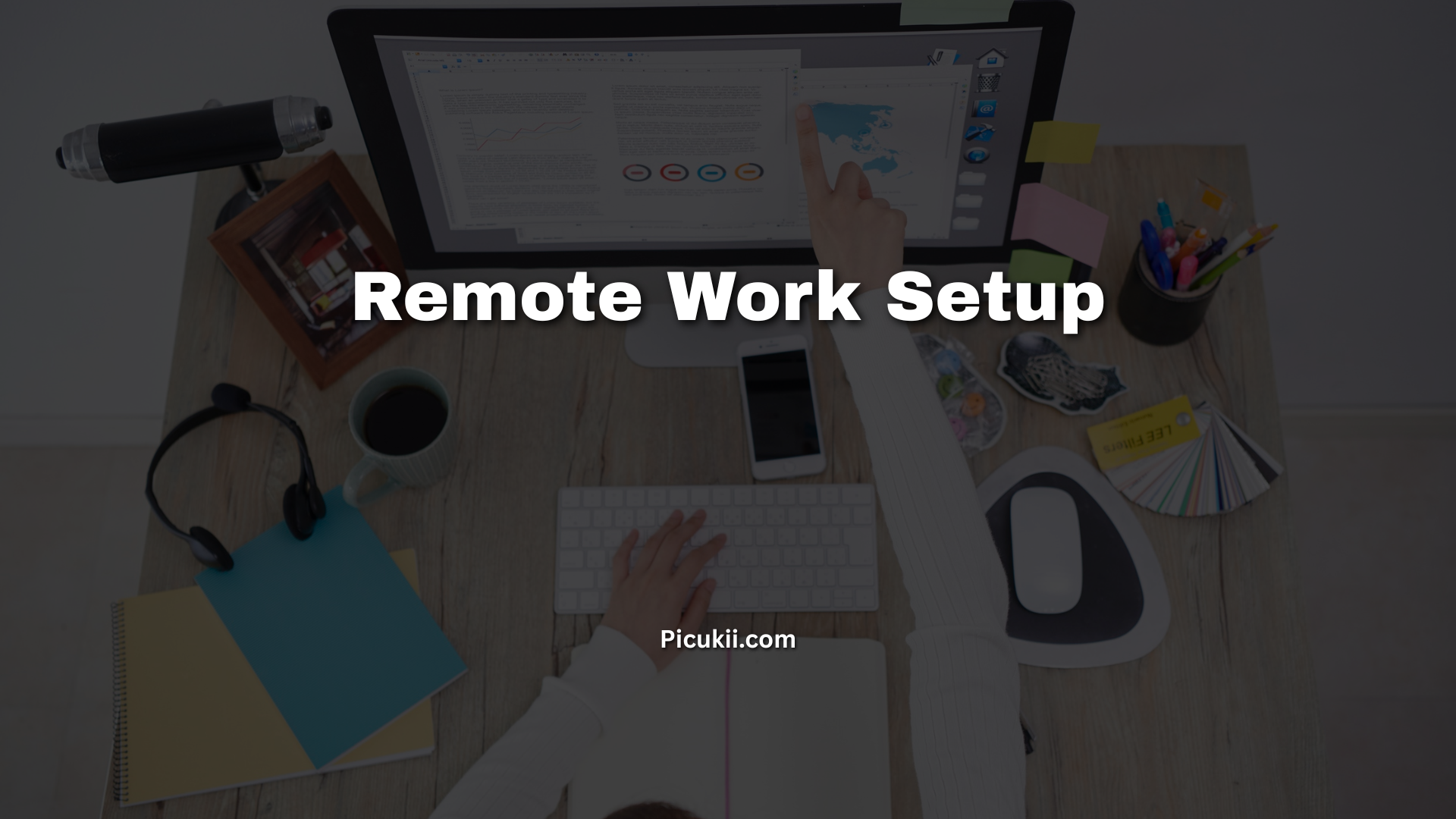
Remote Work Setup Checklist (Print & Use)
- Dedicated workspace (not bed or couch)
- External monitor at eye level
- Chair that supports lower back
- Keyboard at elbow height
- Lighting that doesn’t cause screen glare
- Fast, stable internet (100 Mbps+ recommended)
- Backup power (UPS) for outages
- Clear “work ends here” shutdown ritual
FAQ – Remote Work Setup Ideas
What is the best budget remote work setup in 2025?
The IKEA countertop + FlexiSpot legs + used Steelcase chair combo. Total under $600 and beats most $2,000 setups in ergonomics.
Should I get a standing desk for remote work?
Yes. Alternating sitting/standing every 30–60 minutes reduces back pain by 54% and boosts afternoon energy (Texas A&M study).
Is a second monitor really worth it?
For any job involving research, coding, spreadsheets, or writing absolutely. Single-monitor users waste 20–30% of their day resizing windows.
How can I make my remote workspace less distracting?
Physical separation + noise-cancelling headphones + website blockers (Freedom, Cold Turkey) is the winning combo used by top performers.
What chair do most remote workers regret not buying sooner?
Herman Miller Aeron or Steelcase Gesture. They routinely last 12–15 years and eliminate back pain.
Can plants actually improve productivity?
Yes by 15% according to a 2023 University of Exeter study. Large leafy plants (snake plant, pothos) also filter air.
How do I stop neck pain when working from home?
Follow the 20-20-20 rule + top of monitor 2–3 inches above eye level + external keyboard so elbows are at 90°.
Final Word: Build Your Setup Like Your Income Depends On It (Because It Does)
Your remote work setup isn’t just furniture it’s your most important productivity tool. A $1,500 investment that gives you thousands of extra focused hours over five years, better health, and sharper thinking.
Pick one of the setups above, implement it this week, and watch your output (and mood) transform.



