



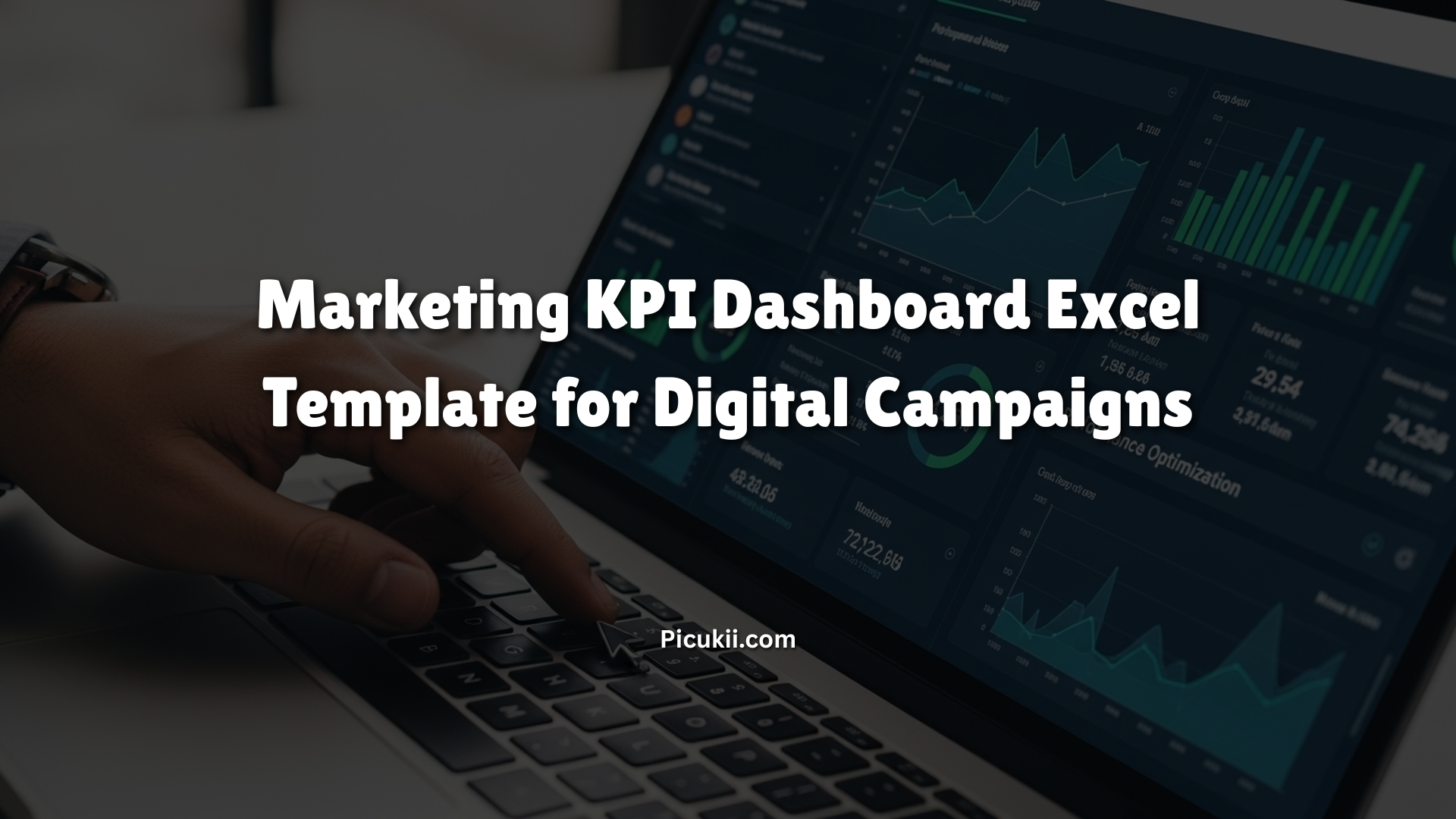
In today’s fast-paced digital world, marketers juggle multiple channels like social media, email, SEO, and paid ads to drive results. But without a clear way to track performance, it’s easy to get lost in the data overload. That’s where a marketing KPI dashboard Excel template comes in. This tool consolidates key metrics into one visual hub, helping teams monitor progress, spot trends, and make data-driven decisions for digital campaigns. Whether you’re running PPC ads, content marketing, or social promotions, using an Excel-based dashboard simplifies analysis and boosts efficiency. It’s especially vital now, as businesses demand quicker ROI insights amid rising ad costs and shifting algorithms. In this article, we’ll dive into what these templates are, how to build one, and why they’re a game-changer for your strategy.
What is a KPI Dashboard in Excel?
A KPI dashboard in Excel is essentially a customizable spreadsheet that displays key performance indicators (KPIs) through charts, graphs, and tables. It pulls data from various sources to give a real-time snapshot of your marketing efforts. Unlike complex software, Excel offers flexibility for small teams or those on a budget, allowing you to track metrics like conversion rates or customer acquisition costs without needing advanced tech skills.
At its core, what is a KPI dashboard in Excel? It’s a visual tool that transforms raw numbers into actionable insights. For instance, you can use formulas to calculate ROI or pivot tables to segment data by campaign type. This setup is ideal for digital campaigns, where metrics fluctuate daily. According to industry resources, these dashboards help marketers identify underperforming areas quickly, such as high bounce rates on landing pages or low engagement on social posts. They’re not just reports; they’re decision-making aids that evolve with your needs.
Benefits of Using a Marketing KPI Dashboard Excel Template
Switching to a marketing dashboard Excel setup brings several advantages. First, it centralizes data from tools like Google Analytics, Facebook Ads, or email platforms, eliminating the need to switch between apps. This saves time and reduces errors from manual entry.
Another key benefit is visualization. Charts make it easier to spot patterns, like seasonal spikes in website traffic or drops in email open rates. For digital campaigns, this means faster adjustments perhaps reallocating budget from underperforming ads to high-ROI channels. Templates also promote team alignment; everyone sees the same metrics, fostering collaboration.
Cost-effectiveness is huge. Many marketing KPI Excel template free download options exist, making them accessible for startups or freelancers. They encourage proactive management, where you set targets and track progress against them, leading to better resource allocation. Studies show teams using dashboards see up to 20% improvement in campaign efficiency by catching issues early. Plus, with Excel’s familiarity, there’s minimal learning curve compared to specialized BI tools.
Key Marketing KPIs to Track in Digital Campaigns
Selecting the right metrics is crucial for any marketing KPI dashboard examples. Focus on those aligned with your goals, like lead generation or revenue growth. Common ones include:
- Customer Acquisition Cost (CAC): Measures the cost to gain a new customer. Formula: Total marketing spend divided by new customers acquired.
- Return on Investment (ROI): Shows campaign profitability. Formula: (Revenue – Cost) / Cost * 100.
- Conversion Rate: Percentage of visitors who take a desired action, like signing up or purchasing.
- Click-Through Rate (CTR): For ads and emails, indicating engagement. Formula: Clicks / Impressions * 100.
- Bounce Rate: Percentage of visitors leaving after one page, highlighting content or UX issues.
- Customer Lifetime Value (CLV): Predicts long-term value from a customer, aiding retention strategies.
- Lead Generation Metrics: Tracks MQLs (marketing qualified leads) and SQLs (sales qualified leads).
These metrics vary by channel. For SEO, prioritize organic traffic and backlinks; for PPC, focus on cost per click (CPC). In a marketing KPI dashboard Excel template, visualize them with gauges or sparklines for quick scans.
| KPI | Description | Excel Formula Example | Typical Target for Digital Campaigns |
|---|---|---|---|
| Customer Acquisition Cost (CAC) | Total cost to acquire a new customer | =SUM(Marketing Spend)/New Customers | Under $50 for e-commerce campaigns |
| Return on Investment (ROI) | Profitability of marketing efforts | =(Revenue – Cost)/Cost * 100 | 300% or higher for paid ads |
| Conversion Rate | Percentage of actions taken | =Conversions/Total Visitors * 100 | 2-5% for landing pages |
| Click-Through Rate (CTR) | Engagement on ads or emails | =Clicks/Impressions * 100 | 1-3% for display ads |
| Bounce Rate | Visitors leaving quickly | =Single-Page Sessions/Total Sessions * 100 | Below 40% for websites |
| Customer Lifetime Value (CLV) | Long-term customer revenue | =Average Purchase Value * Purchase Frequency * Lifespan | $500+ for subscription models |
| Organic Traffic Growth | Increase in non-paid visitors | =(Current Traffic – Previous)/Previous * 100 | 10-20% monthly |
This table provides a quick reference for building your excel marketing dashboard templates. Adjust targets based on industry benchmarks.
How to Create a KPI Dashboard in Excel
Creating a how to create KPI dashboard in Excel is straightforward with the right steps. Start by gathering your data export from tools like Google Analytics or ad platforms.
- Prepare Your Data: Import into Excel via Data > Get Data. Clean it by removing duplicates (Data > Remove Duplicates) and standardizing formats. Use formulas like SUMIFS for aggregations.
- Set Up Sheets: Dedicate one for raw data, another for calculations, and a main dashboard sheet. Calculate KPIs here, e.g., ROI with =(B2 – C2)/C2*100.
- Choose Visuals: Insert charts from the Insert tab. For trends, use line charts; for comparisons, bar graphs. Add conditional formatting (Home > Conditional Formatting) to color-code performance green for on-target, red for below.
- Layout the Dashboard: Arrange elements logically: Top for summary KPIs, middle for charts, bottom for details. Use slicers (Insert > Slicer) for interactive filtering by date or channel.
- Automate Updates: Link to external sources or use Power Query for refreshes. Test with sample data to ensure accuracy.
For excel KPI dashboard examples, start with blank templates and populate with your metrics. This process takes about an hour for basics but scales for complex digital campaigns.
Marketing KPI Dashboard Examples
Looking at marketing KPI dashboard examples helps inspire your setup. One popular type is the digital marketing dashboard, tracking SEO, PPC, and social metrics in one view. For instance, it might show monthly sessions by source, backlinks, and ROI with pie charts for traffic breakdown.
Another is the social media marketing dashboard, comparing platforms like Facebook and Instagram on followers, reach, and shares. Bar charts highlight quarterly performance, making it easy to see which content resonates.
E-commerce examples focus on orders, revenue, and traffic sources versus goals. Line graphs track monthly revenue, while gauges show ROI progress. These are often customizable, with sample sales dashboard in excel versions including dummy data for testing.
A PPC-specific dashboard monitors impressions, CTR, and cost per conversion, with tables comparing campaigns. These examples demonstrate how templates adapt to specific needs, providing deep insights into campaign health.
Excel KPI Dashboard Examples for Marketing
Beyond general ones, excel KPI dashboard examples tailored for marketing include the marketing funnel dashboard. It visualizes stages from sessions to conversions, using funnel charts to pinpoint drop-offs.
The CMO dashboard calculates revenue versus costs by lead type, with graphs comparing periods. It’s executive-friendly, focusing on high-level metrics like net income and customer value.
Email marketing versions track subscriptions and bounce rates with growth rate lines. For leads, dashboards compare monthly totals to targets, analyzing traffic types like organic or direct.
These examples, often free, show Excel’s power in creating dynamic views without coding. They incorporate trends, helping predict future performance in digital campaigns.
Free Marketing KPI Excel Template Downloads
Finding a marketing KPI dashboard Excel template free download is easy. Sites like Smartsheet offer over a dozen options, including digital marketing and PPC templates in Excel format. Download them directly for immediate use.
HubSpot provides a free KPI dashboard with visuals for company KPIs, adaptable for marketing. Someka’s digital marketing KPI dashboard Excel template free version tracks 38 metrics across channels, with monthly trends and color-coding.
For more, Zapier shares templates like marketing analytics ones covering traffic and ROAS. Always check for updates, as these are compatible with recent Excel versions. Internal links to your site’s resources or external ones like Smartsheet’s templates enhance SEO. Opt for marketing KPI dashboard Excel template download options that include instructions for quick setup.
FAQ
What is the difference between a marketing KPI dashboard and a general Excel dashboard?
A marketing KPI dashboard focuses on campaign-specific metrics like ROI and CTR, while a general Excel dashboard could track anything from sales to HR. Marketing versions integrate digital tools data for targeted insights.
Can I use a marketing KPI dashboard Excel template for free without limitations?
Many free templates, like those from Smartsheet or HubSpot, have no major limits but might lack advanced automation. Paid versions often add features like real-time integrations.
How often should I update my marketing dashboard Excel?
Update daily or weekly for active campaigns to catch trends early. Use automation tools to refresh data automatically from sources like Google Sheets.
What software do I need for an Excel marketing dashboard templates?
Just Microsoft Excel 2010 or later. For enhanced features, consider Power BI add-ons, but basic templates work standalone.
Are there mobile-friendly marketing KPI Excel template free download options?
Yes, Google Sheets versions of templates are mobile-accessible and collaborative, mirroring Excel functionality for on-the-go checks.
How do I customize a sample sales dashboard in Excel for marketing?
Replace sales metrics with marketing ones like leads instead of deals, adjust formulas, and update charts to reflect digital campaign data.
What if my data is too large for Excel in a KPI dashboard?
For big datasets, use Power Query to handle imports efficiently, or consider upgrading to tools like Tableau if Excel limits are hit.
Conclusion
A marketing KPI dashboard Excel template for digital campaigns streamlines tracking, from setup to analysis, ensuring your efforts yield results. We’ve covered essentials like key metrics, creation steps, and examples, all optimized with tools like tables for clarity.