






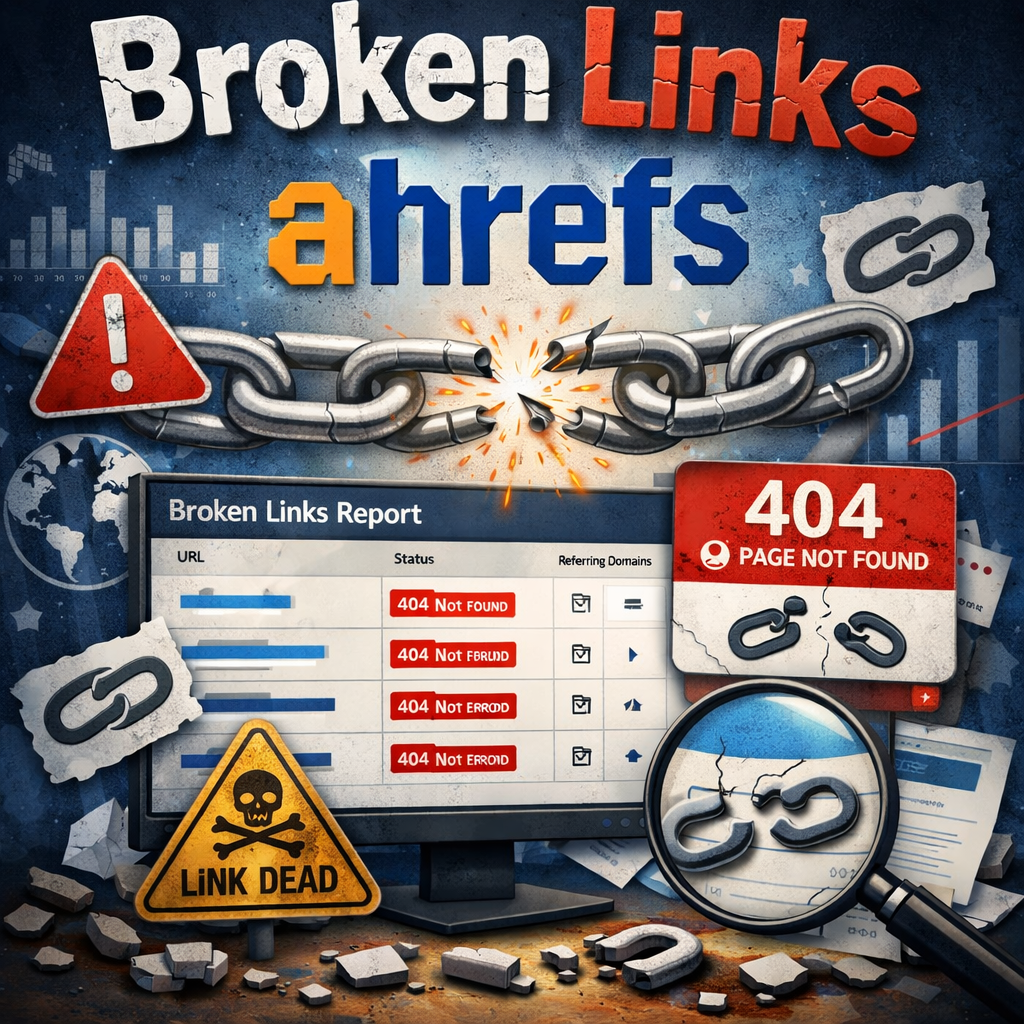
In the ever-evolving world of SEO, maintaining a healthy website is crucial for ranking well on search engines like Google. One often-overlooked issue that can derail your efforts is broken links. These are hyperlinks that lead to nowhere pages that no longer exist, resulting in frustrating 404 errors for users. Broken links ahrefs tools can help identify and resolve these problems efficiently, saving you time and preserving your site’s credibility. But why does this matter? Broken links not only harm user experience but also dilute your site’s “link juice,” impacting search rankings and traffic. In this complete tutorial, we’ll dive deep into using Ahrefs for broken link management, explore related tools, and provide actionable insights to keep your site in top shape. Whether you’re a beginner or seasoned SEO pro, understanding how to handle broken links ahrefs can transform your strategy.
What Are Broken Links?
Broken links, also known as dead links, occur when a hyperlink points to a resource that’s been deleted, moved without a redirect, or simply doesn’t exist anymore. For instance, a broken link example might be a blog post linking to an external article that’s been removed, leading visitors to a “Page Not Found” error. These can be internal (links within your own site) or external (outgoing to other sites or incoming backlinks).
From a technical standpoint, broken links typically return HTTP status codes like 404 (Not Found) or 500 (Server Error). They arise from common issues such as typos in URLs, site migrations gone wrong, or third-party content being taken down. Ignoring them can lead to higher bounce rates, as frustrated users leave your site quickly. Search engines like Google also penalize sites with too many broken links, viewing them as poorly maintained.
The Importance of Checking for Broken Links
Regularly scanning for broken links is essential for several reasons. First, it enhances user experience visitors expect seamless navigation, and dead ends erode trust. Second, from an SEO perspective, broken links waste crawl budget; search engine bots spend time on useless pages instead of indexing valuable content. This can lower your domain authority over time.
Moreover, broken backlinks (incoming links to your 404 pages) represent lost opportunities. If another site links to your deleted content, you’re missing out on referral traffic and authority. Tools like ahrefs broken link checker make this process straightforward, allowing you to reclaim that value. Studies show that sites with fewer broken links rank higher, as Google prioritizes well-maintained domains. By addressing these issues, you not only boost SEO but also improve conversion rates, as users are more likely to engage with a reliable site.
Introducing Ahrefs Broken Link Checker
Ahrefs is a powerhouse SEO suite, and its broken link checker stands out for its accuracy and depth. The ahrefs broken link checker is integrated into tools like Site Explorer and Site Audit, scanning for both internal and external issues. What’s great is that Ahrefs offers a free broken link checker at ahrefs.com/broken-link-checker, which lets you input any URL and instantly detect dead links without needing a subscription. This dead link checker scans the page for outgoing links, highlighting those that return errors.
For paid users, broken links ahrefs features expand dramatically. You get access to historical data, backlink analysis, and automated reports. Broken links ahrefs free version is perfect for quick checks, while the full app (web-based platform) provides comprehensive insights. If you’re on mobile, Ahrefs doesn’t have a native broken links ahrefs app, but the responsive web interface works well on devices.
How to Use Ahrefs to Find Broken Links
Finding broken links in Ahrefs is intuitive and powerful. Here’s a step-by-step guide to get you started.
Step 1: Accessing Site Explorer
Log into Ahrefs and navigate to Site Explorer. Enter your domain or a specific URL. This tool crawls your site similarly to search engines, revealing broken outgoing links and backlinks.
Step 2: Checking Broken Outgoing Links
Under “Outgoing Links,” select “Broken Links.” This report lists all external links from your site that are dead. Sort by metrics like Domain Rating (DR) to prioritize high-value fixes. For example, if a link to a resource page is broken, replace it with a live alternative.
Step 3: Identifying Broken Backlinks
Switch to “Broken Backlinks” in the backlinks section. This shows incoming links pointing to your 404 pages. Use filters to view anchors and referring domains. Reclaim these by redirecting the old URL to a relevant live page.
Step 4: Using Site Audit for Internal Broken Links
For a full-site scan, use Ahrefs Site Audit. Set up a project, and it will crawl your pages, flagging internal broken links under “Outgoing Links > Page has links to broken page.” Schedule regular audits to catch issues early.
Broken links ahrefs free tool is limited to single-page checks, but for deeper analysis, the paid version is unmatched.
Broken Link Building with Ahrefs
Broken link building flips the script instead of fixing your own links, you find dead links on other sites and offer your content as a replacement. This tactic builds high-quality backlinks ethically.
Finding Opportunities
In Ahrefs Content Explorer, search for topics in your niche with filters for “Broken pages” and high backlinks. For example, query “SEO tips” and filter for pages with DR > 50 that are dead. The broken link generator aspect here isn’t about creating broken links but generating opportunities by spotting them.
Outreach Strategy
Once you find a dead page with backlinks, create similar but better content on your site. Then, reach out to sites linking to the broken resource, suggesting your link as a fix. Tools like Ahrefs help verify contact info via the “Who links to” report. This method can yield backlinks with minimal effort, boosting your authority.
Comparing Ahrefs with Other Broken Link Checkers
While Ahrefs excels, it’s worth exploring alternatives for a well-rounded approach.
Semrush Broken Link Checker
Semrush offers a robust semrush broken link checker in its Site Audit tool, similar to Ahrefs. It scans for broken internal and external links, providing error codes and fix suggestions. However, Semrush emphasizes competitor analysis, showing broken backlinks from rivals. It’s great for agencies but can be pricier than Ahrefs for basic users.
Free Broken Link Checkers
For budget-conscious users, options like Dead Link Checker or BrokenLinkCheck.com provide solid free broken link checker services. These dead link checkers scan entire sites without cost, though they lack Ahrefs’ depth in backlink data. Ahrefs’ own free tool is a strong contender for quick scans.
Broken Link Checker Chrome Extensions
On-the-go checks? Try the broken link checker – chrome extension like “Broken Link Checker” from the Chrome Web Store. It scans the current page for dead links, highlighting 404s in real-time. Ideal for content creators verifying links before publishing.
Here’s a comparison table of popular tools:
| Tool | Free Version | Key Features | Best For | Pricing (Paid) |
|---|---|---|---|---|
| Ahrefs Broken Link Checker | Yes (limited) | Backlink analysis, site audits, broken link building | Comprehensive SEO | Starts at $99/mo |
| Semrush Broken Link Checker | No | Competitor broken links, error reports | Agency work | Starts at $129/mo |
| Dead Link Checker | Yes | Scheduled scans, email alerts | Small sites | Free/Pro $9.95/mo |
| Broken Link Checker Chrome | Yes | Real-time page scans, no signup | Quick checks | Free |
| BrokenLinkCheck.com | Yes | Full-site crawl, no download | Beginners | Free |
This table highlights how Ahrefs balances features and usability.
How to Fix Broken Links
Once identified, fixing broken links is straightforward. Here’s how:
- Redirect Broken Pages: For internal links, use 301 redirects in your .htaccess file or via plugins like Yoast SEO for WordPress. This passes link equity to a new page.
- Update or Remove Links: For outgoing broken links, replace the URL with a live one or remove it if irrelevant. Tools like Ahrefs show where the link appears for easy edits.
- Handle Backlinks: Contact site owners pointing to your dead pages, or set up redirects to similar content.
- Prevent Future Issues: During site updates, use a broken link generator (opportunity finder) to test links. Regular audits prevent accumulation.
Following these steps on how to fix broken links ensures your site remains optimized.
FAQ
What is a broken link example?
A broken link example is a URL like “example.com/old-page” that leads to a 404 error because the page was deleted without redirection.
Is there a free broken link checker?
Yes, tools like Ahrefs’ free broken link checker and Dead Link Checker offer no-cost scans for dead links.
How does the ahrefs broken link checker work?
The ahrefs broken link checker scans a URL for outgoing links, checks their status, and reports 404 errors instantly.
What’s the difference between dead link checker and broken link checker?
They’re essentially the same; a dead link checker identifies hyperlinks that no longer work, synonymous with broken link checker.
Can I use a broken link checker – chrome extension with Ahrefs?
Yes, combine a broken link checker – chrome extension for quick page checks with Ahrefs for in-depth site-wide analysis.
How do broken links ahrefs free features compare to paid?
Broken links ahrefs free allows single-page checks, while paid unlocks full audits and backlink data.
Is there a broken links ahrefs app for mobile?
Ahrefs is web-based, but its responsive design functions like a broken links ahrefs app on mobile browsers.
Conclusion
Mastering broken links in Ahrefs empowers you to maintain a robust SEO foundation. From identifying issues with the ahrefs broken link checker to leveraging broken link building for growth, this tutorial covers the essentials. Remember, tools like semrush broken link checker and free alternatives complement Ahrefs, but its depth makes it a top choice. Implement regular checks, fix issues promptly, and watch your rankings improve.



Great post! One aspect I think people often overlook is the impact of internal broken links. They can be just as damaging as external ones, yet they’re easier to miss. It’s definitely worth doing a thorough check of both to keep your site in top shape.
Thanks for breaking down the importance of managing broken links— it’s easy to overlook them, but as you rightly point out, they can really hurt both user experience and SEO performance. I especially appreciated the emphasis on how broken links dilute ‘link juice’; it’s a key insight that often gets missed in the noise. This tutorial gives a solid foundation for anyone looking to audit their site more effectively.
Appreciate the insights on Broken Links Ahrefs: A Complete Tutorial. The note on BLOG Broken Links Ahrefs: A Complete Tutorial Admin5 Months Ago28 Mins In was helpful.